How to Prompt an AI Logo Maker for Original, Memorable Symbols
Move past generic clip-art clichés. Discover five concrete techniques for prompting AI to draw distinctive symbols, clever letter marks, and cohesive custom wordmarks.
 Volta
 Loop
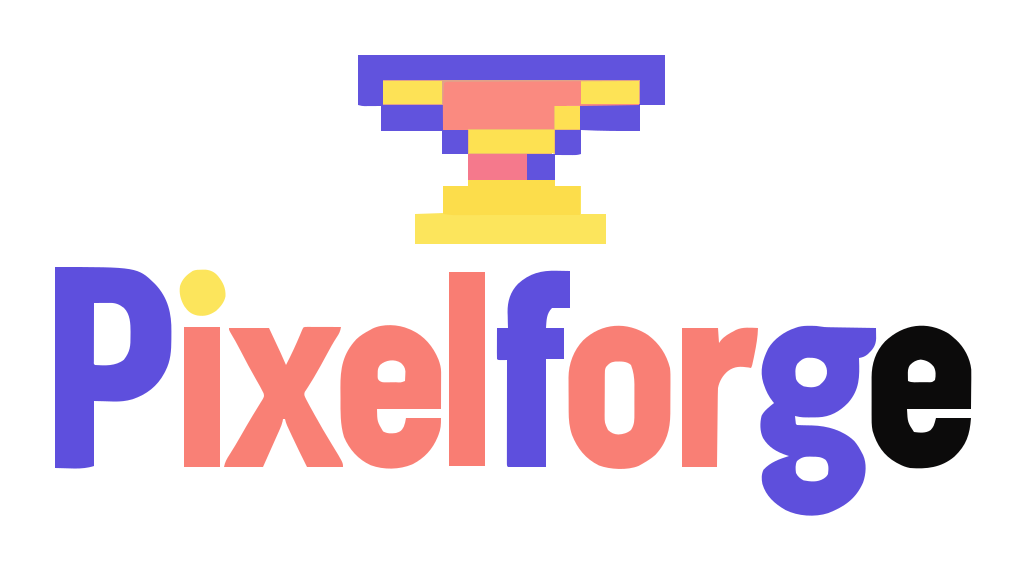 Pixelforge
Ask ten people to describe what they want in a logo and nine of them will use words like "trustworthy, innovative, modern, and clean."
Those are great goals for a company—but terrible instructions for an artist or an AI model. You cannot draw a picture of "trustworthy." When a design tool only hears abstract adjectives, it falls back on the most overused visual clichés in business: generic globes, handshakes, lightbulbs, and upward-pointing bar charts.
The secret to getting original, agency-quality concepts from an AI logo maker is translating abstract traits into concrete, drawable objects and visual metaphors. Here are five practical techniques to get standout results on ai-logo.net.
1. Describe a single physical object, not a collage
Great logos are ruthlessly simple. Think of Apple's bitten apple, Target's bullseye, or Mailchimp's winking chimpanzee. Each is a single, unmistakable silhouette.
When you open the Symbol tab on our results page to write a custom symbol prompt, resist the urge to combine three or four separate objects into one drawing. A prompt asking for "a mountain range with a rising sun, a pine tree, a winding river, and a compass rose" forces the model to cram tiny details into a cramped space, which turns into visual mush when scaled down to a browser tab.
"A shield containing a coffee cup, two crossed spoons, coffee beans, steam, and a sunrise over mountains."
Result: Too many competing lines; loses legibility below 150 pixels.
"A single bold coffee bean split by a lightning-bolt crease."
Result: One strong silhouette that reads clearly at any size.
2. Look for clever letter play and visual puns
Some of the most memorable logos don't place an icon next to the word—they build the symbol directly into one of the letters. Look at your business name and ask whether the first letter, a repeated vowel, or an ampersand shares its shape with something from your industry:
- Letters with round counters (O, C, Q, D): Can become coffee cups, rings, lenses, vinyl records, suns, or planetary orbits.
- Angled letters (V, A, W, N, Z): Naturally echo lightning bolts, mountain peaks, rooftops, paper airplanes, or compass needles.
- Stems and punctuation (I, J, P, &): Work wonderfully as sprouting leaves, chili peppers, curling vines, or candle flames.
3. Use unexpected juxtapositions for tech & creative brands
What if your business doesn't sell a physical object like bread or flowers? Software startups, agencies, and consultancies often struggle with literal icons because nobody wants a picture of a laptop or a server rack as their logo.
Instead of literal equipment, prompt for a tangible metaphor that captures how your product feels or works:
- Speed & automation: Paper falcon, origami hummingbird, comet tail, tuning fork.
- Security & reliability: Keystone arch, interlocking vault rings, lighthouse beam, tortoise shell geometry.
- Craft & software building: Pixel-art anvil (like Pixelforge below), prism splitting light, woven mosaic tiles.
4. Let the AI brainstorm first, then narrow your aim
You don't need to have a symbol in mind when you start. When you leave the custom symbol field blank on ai-logo.net, our language planner reads your business type and description, then writes six completely different icon prompts behind the scenes.
Even better, every time you click Draw 6 more, the planner checks the list of symbols it already drew for you and deliberately picks six new visual angles. Once one of those generated ideas sparks an "aha!" moment—say, you realize you love how an owl looks for your tutoring company—click the Symbol tab, type "minimal geometric owl face," and let the next batch draw six distinct variations of that exact symbol.
If you already have a symbol you love—whether it's an SVG icon, a clean PNG emblem, or a company mark you're refreshing—open the Symbol tab on ai-logo.net/make and upload your file. Our AI will draw custom wordmark lettering tailored to your brand style and compose your uploaded symbol alongside it in clean vector format.